A private budgeting app: your money, your machine
Compass is a budgeting app that keeps your financial data on your own computer. Transactions are stored in a SQLCipher (AES-256) encrypted database on your disk. There's no Compass account, no cloud sync and no telemetry, and the app never asks for a bank login. It's free, open source under the MIT license, and runs on Windows with a macOS beta.
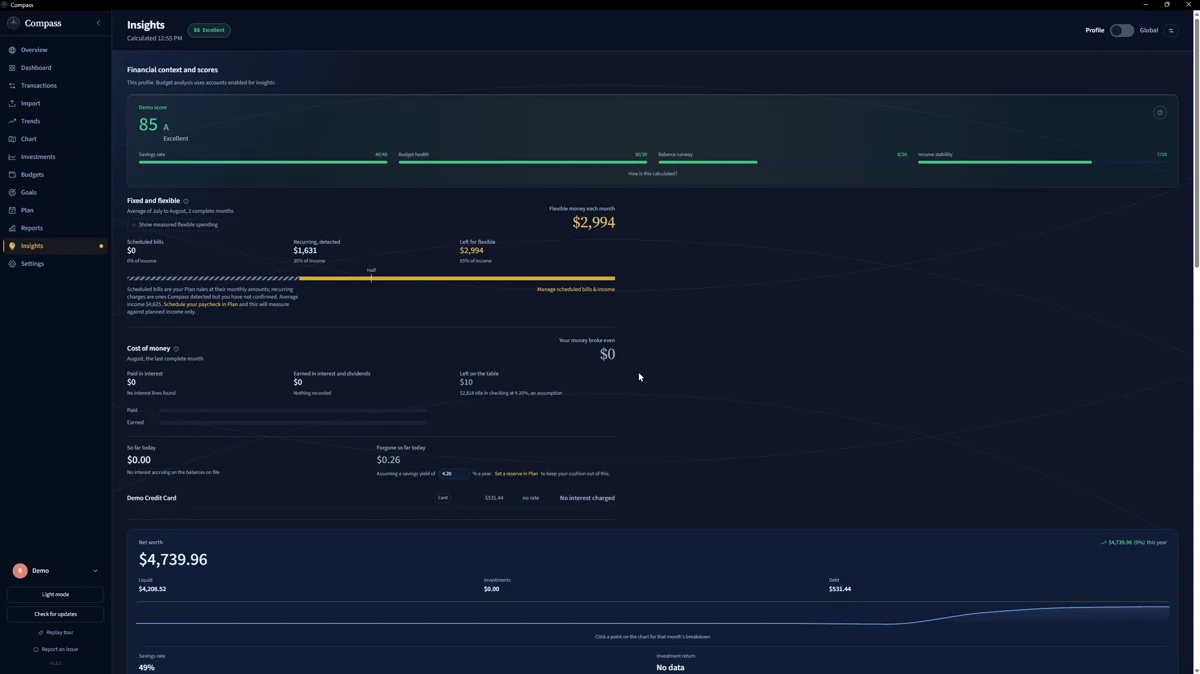
Your transaction history is the most revealing file you own
Read a year of card statements and you can tell where someone lives, where they work, what they earn, which pharmacy they use, who they send money to and what they do on Friday nights. It's a more honest diary than most people would ever write.
Many finance apps keep that history on their own servers, behind an account you have to trust and a privacy policy that can change after you've signed up. If one of those servers is breached, it's your spending on the list, even though you did nothing wrong.
Every month you leave it there, the file gets longer.
Where Compass keeps your data, and how it's protected
On your disk, in one folder you can find
Everything lives in the app data folder: %APPDATA%\com.compass.app\ on Windows or ~/Library/Application Support/com.compass.app/ on macOS. That folder holds the encrypted database, compass.db, and its key file, compass.key. There's no copy anywhere else unless you make one.
Encrypted at rest with SQLCipher (AES-256)
The key is kept in Windows Credential Manager or the macOS Keychain, with compass.key as a fallback. Compass won't create a database until that key has been saved and read back. If it can't save the key, it stops with an error instead of quietly falling back to an unencrypted file.
No account, no telemetry, no sync
You don't sign up for anything. Compass contacts the internet for one thing, checking GitHub for new releases, and it doesn't upload your transactions. Once it's installed, it works offline.
No bank login, by design
Compass has no feature that connects to a bank. You download statements from your bank's own website and import the files. The routine is laid out on budgeting without a bank connection.
Separate profiles, with PINs
Share a computer? Each profile keeps its own financial history and can be locked with a PIN. Combined views include only the profiles you've unlocked.
Backups and deletion on your terms
Settings > Backup & Restore > Export Backup writes a .compassbackup file. You can export your transactions as CSV whenever you like. To remove one profile's data, use Settings > Erase this profile's data after a typed confirmation.
Code you can read
Compass is MIT-licensed open source. If you want to know exactly what it does with your money, the source is on GitHub.
What encryption can't do for you
Encryption protects the database file at rest. It can't protect a computer someone else controls, and it isn't a substitute for securing your device. The key file can decrypt the database, and a .compassbackup contains both the database and its key, so store backups as carefully as the statements themselves and never share one. Your data is as private as the computer it's on.
Questions people ask
Can the developer see my financial data?
Not through Compass. There's no Compass account, cloud sync or bank connection, and the app doesn't send your transactions to the developer.
Does Compass connect to the internet?
Only to check GitHub for new releases. Your transactions aren't uploaded, there's no telemetry, and Compass works offline once it's installed.
What exactly does the encryption cover?
The Compass database is encrypted at rest with SQLCipher (AES-256). It doesn't encrypt the statement files you downloaded from your bank, so keep those like any other financial paperwork.
Can my partner and I share one computer and keep finances separate?
Yes. Each profile has its own financial history and can be PIN-locked. Global views combine only the profiles you've unlocked.
How do I delete everything?
Erase a single profile from Settings > Erase this profile's data. Deleting the Compass app data folder removes all of it.
Does the privacy cost extra?
No. Compass has no paid tier. There's one build and one source tree, and every feature on this page is in it, free.
Keep your spending history where it belongs
Download Compass and import a statement. It's encrypted on your machine from the first transaction.
Want the full feature tour? See personal finance software.